Visual Descriptions for Artwork: Accessibility Handbook
In Collaboration with the Grey Art Museum
The Visual Descriptions project is a collaboration with the Grey Art Museum, NYU’s fine art museum, in the effort to make their online and in-person collections more accessible for low vision and blind visitors.
Our team worked with the NYU community and museum staff to create a handbook that provides guidelines for creating effective visual descriptions of artworks in museums and historic sites.
What the handbook offers:
An in-depth guide to creating visual descriptions for museum artworks.
Included in the handbook is an introduction to visual descriptions and their purpose, a diagram of the general workflow, in-depth sections for key elements, and specific approaches for different mediums (painting, photograph, and sculpture).
1. Understand what makes an effective visual description
2. Compile information into a detailed handbook
3. Create 10 visual descriptions to kickstart the process for the Grey Art Museum team
4. Provide a personalized workflow best suited for the Grey Art Museum
Process
Problem Space
Most museums do not have adequate accessibility accommodations for visitors with visual impairments. While some have audio guides or tours, tactile and multisensory exhibits, and magnifying equipment, most do not have detailed visual descriptions available for online or in-person visitors. Many audio tours simply talk about the artist or their process without giving an in-depth visual description, accessibility hours can be very limited, and online collections usually do not provide detailed descriptions nor adequate alt text.
Museums have a responsibility of providing equitable access to art for all visitors, but creating visual descriptions takes resources, teamwork, and an investment in patience. There are many resources online about creating descriptions, but the Grey Museum wanted information compiled into a personalized guideline that they could refer to in order to standardize the process. We worked as a team of 4 to bring this idea to life.
Roles
Researcher
HCI Tester
Methodology
Survey
Consulting Industry Professionals
Competitive Analysis
Usability Testing
Project Path
1. Research Best Practices
Conducted literature review of other museums and orgs guides on current best practices to identify common themes, strategies and imitations.
2. Survey
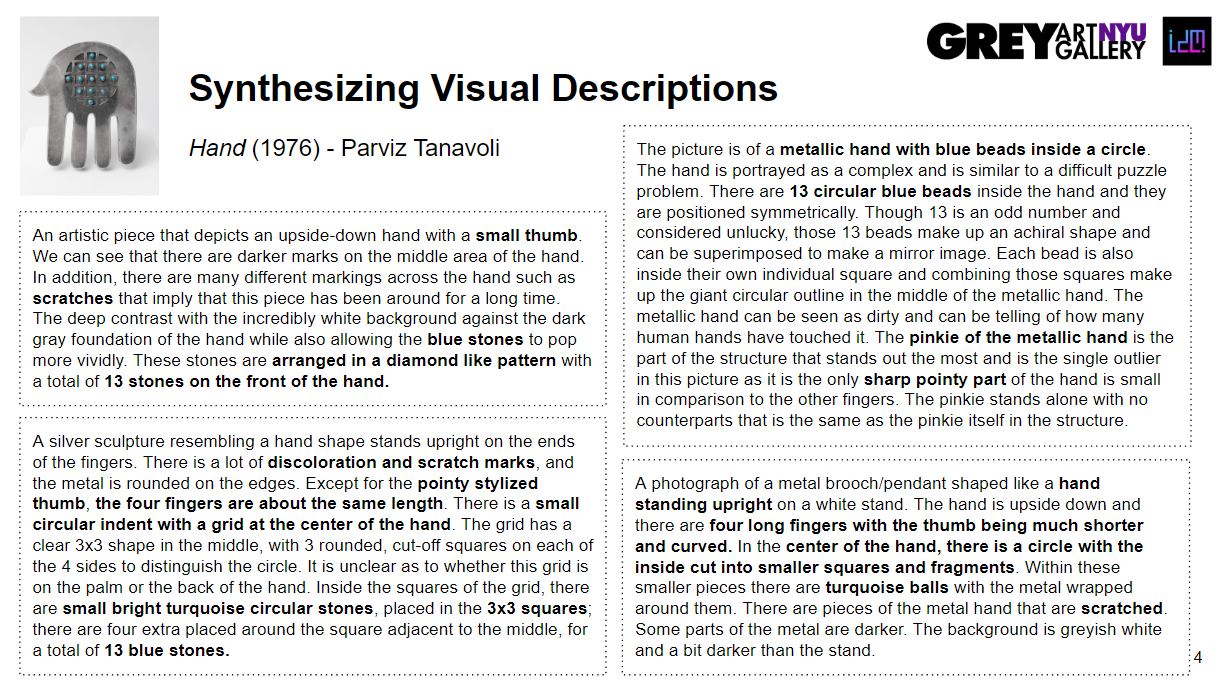
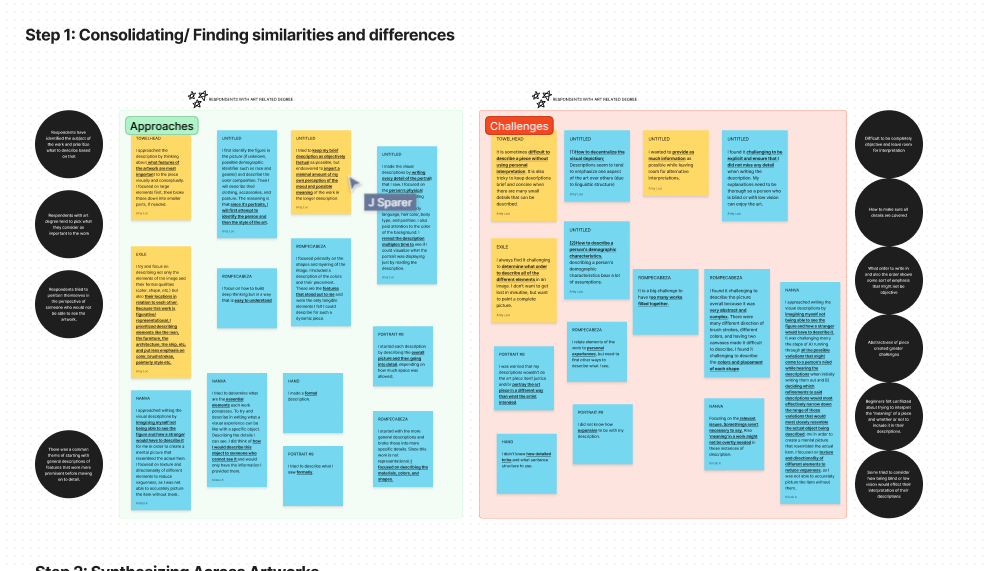
Distributed survey to the Grey Gallery staff and NYU community, where each respondent will visually describe 1-2 artworks.
3. Analysis + Iteration
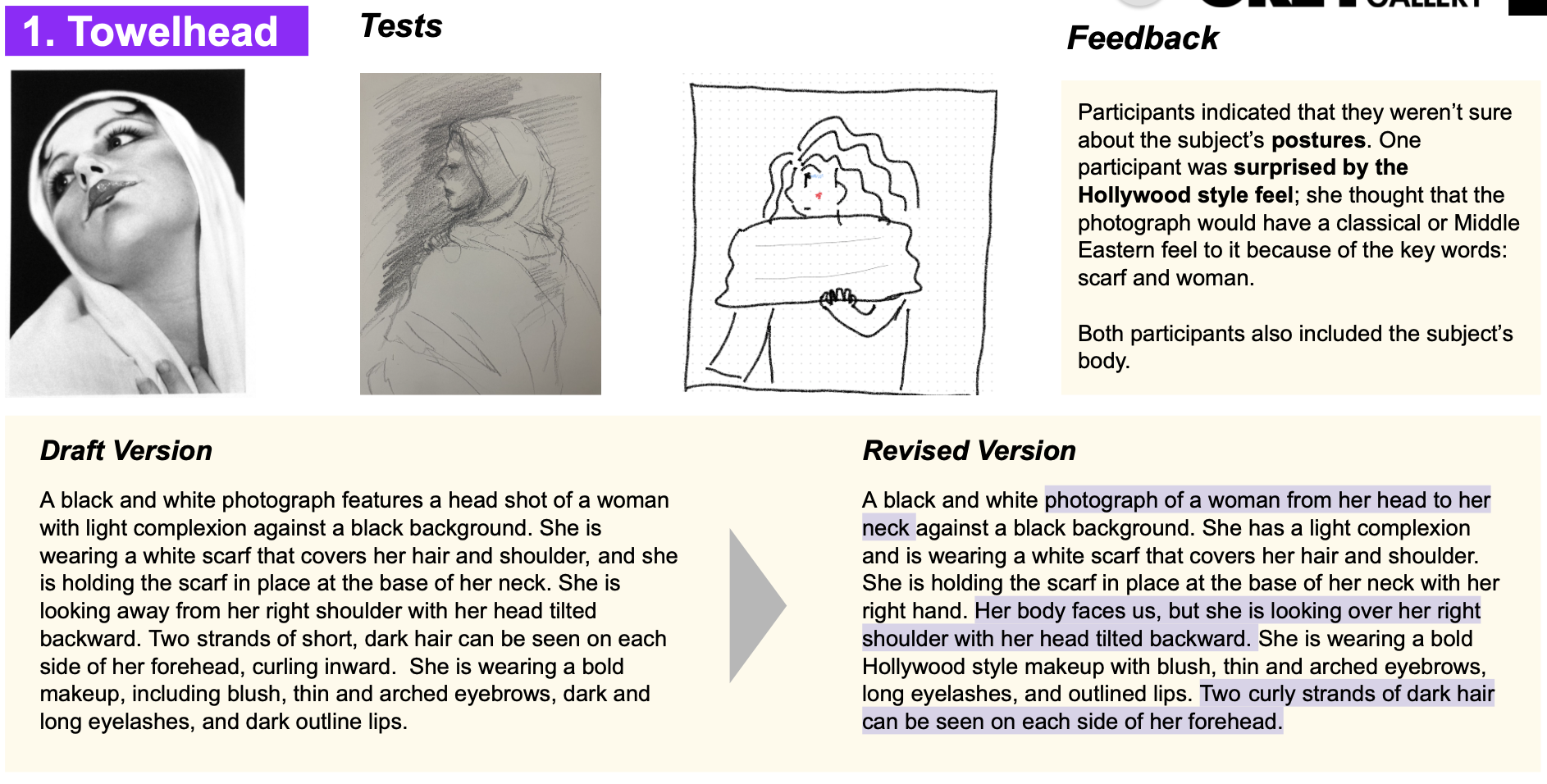
Our team analyzed 30 survey responses and created several iterations based on data combined with best practices
4. Usability Tests
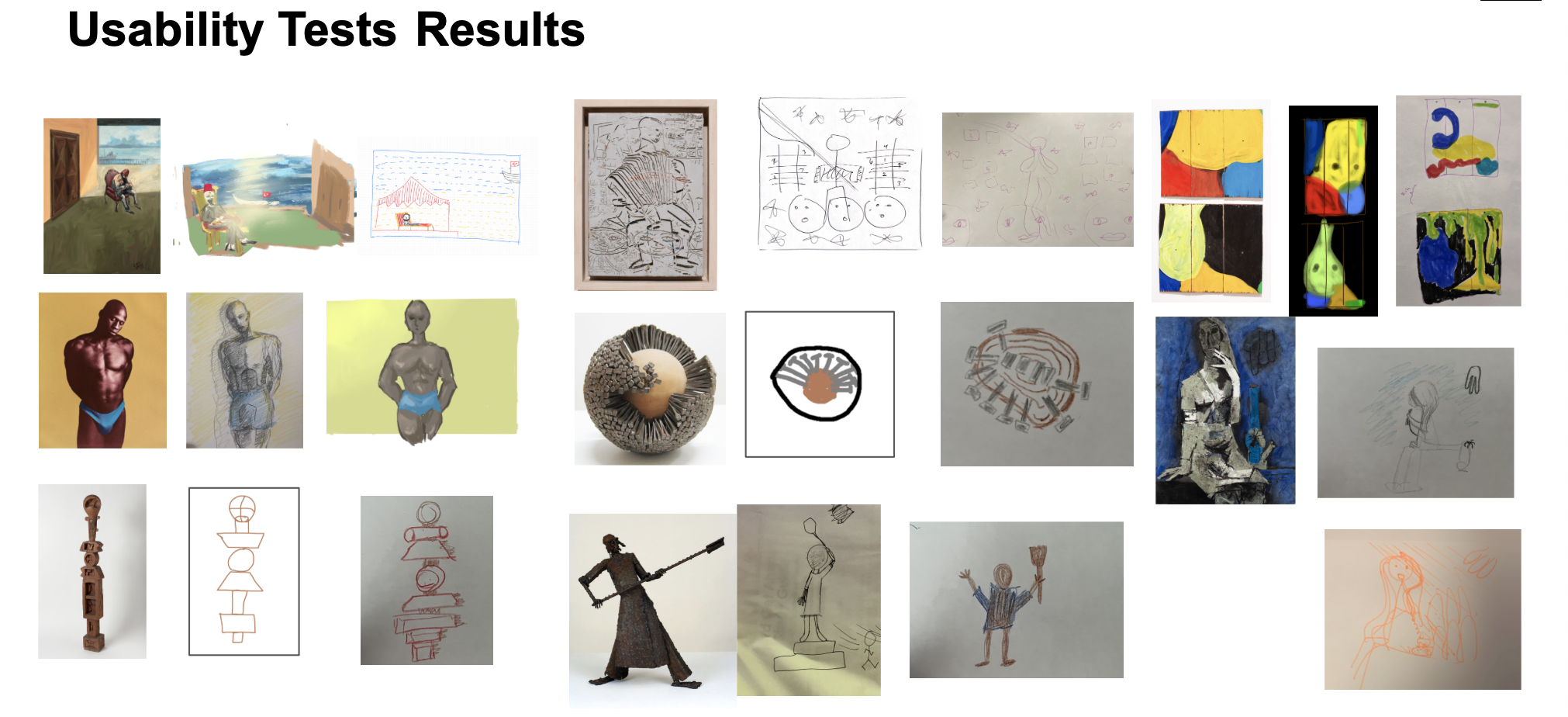
Facilitated a workshop to gather and test survey descriptions and a usability test for further iterations
5. HCI Testing
Created a mock website for R&D using best practices for general and screen reader accessibility.
6. Finalized Visual Descriptions and Handbook
Consolidated the research into a user-friendly handbook for The Grey Museum
Research Insights
From our analysis of guidelines provided by various institutions like Cooper Hewitt and Accessible Arts!, 30 survey responses, consultation with an industry professional Lorena Bradford from the National Gallery of Art, we identified important insights into the process.
When creating visual descriptions, it’s important to distinguish them from artist statements, art criticism, or interpretations.
To create an effective visual description, it’s important to try maintaining a relatively objective and consistent tone.
Visual descriptions should be concise (ideally 250 to 300 words) but complex works may require longer descriptions.
There is no perfect visual description. Between detail, subjectivity, and length, there will always be compromises.
Project Goals Met
As a team we successfully defined effective visual descriptions, a comprehensive handbook was compiled, 10 visual descriptions were created to jumpstart the Grey Art Museum’s efforts, and a customized workflow was developed to best support the museum’s ongoing needs.
Documentation
HCI testing is another important step we took to get an understanding of how these descriptions would appear on a museum website and what they might sound like in context – especially for screen reader software. We created a mock website using best practices for general and screen reader accessibility: displaying descriptions openly instead of only embedding, providing descriptive alt text, ensuring HTML code is semantically rich, and using Aria labels.
Keeping in mind that users will have their own speech settings and preferences, below is a short preview of what the interaction might sound like for a screen reader user.